
Enhancing Operator Ergonomics on Your Photo Studio Floor
Explore the latest updates in Controls software to support operator ergonomics on your PhotoRobot-powered studio floor.
Controls Delivers Detached Live View & Quick-Angle Presets
Your PhotoRobot Controls software now has detached Live View & quick-angle presets to optimize operator ergonomics when capturing your company’s visuals. These tools help to accelerate capture workflows and enhance throughput on the production floor. Detached Live View not only gives LiveView the screen it deserves. It allows operators to pay full attention to camera framing while working on multiple monitors. Quick-angle presets are then just one click away. Each saves your favorite angles for PhotoRobot Turn and Swing robots with configurable quick-preset buttons. There are fewer dials, and faster framing.
Read ahead how to deploy detached Live View and quick-angle presets in PhotoRobot Controls for greater operator ergonomics in your studio.
Detached Live View: Multi-Monitor Capture Control
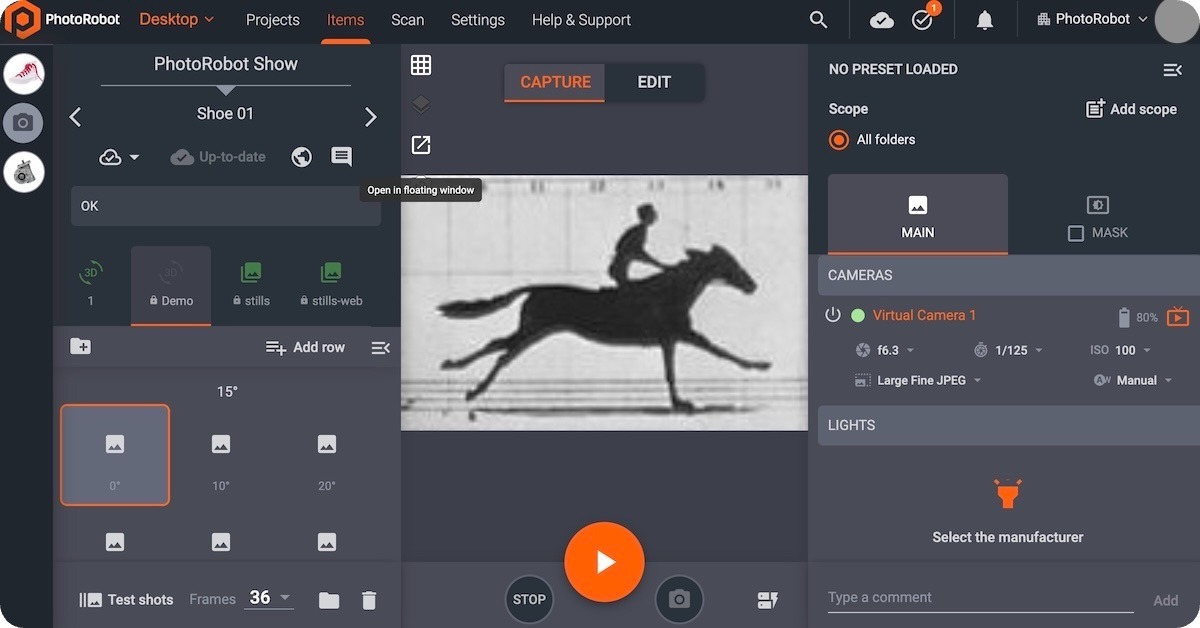
A detachable Live View allows operators to pop PhotoRobot Live View into its own window. This way, you can compose on a second screen while keeping PhotoRobot _Controls workflows active on the primary display.
Providing Live View the Screen It Deserves
The Detached Live View window is optimal for multi-monitor studios. After all, on a production floor, camera framing deserves full attention – not a cramped panel beside menus and lists.
Enabling Photographers, Stylists, and Review
Support production floor operators from your capture artists to the stylists and their reviews.
- Dedicated composition screen for photographers and stylists
- Primary display stays operational for sequences, folders, and item navigation
- Faster decisions when reviewing framing, focus, and lighting before the next spin
A Design to Support Multi-Monitor Studios
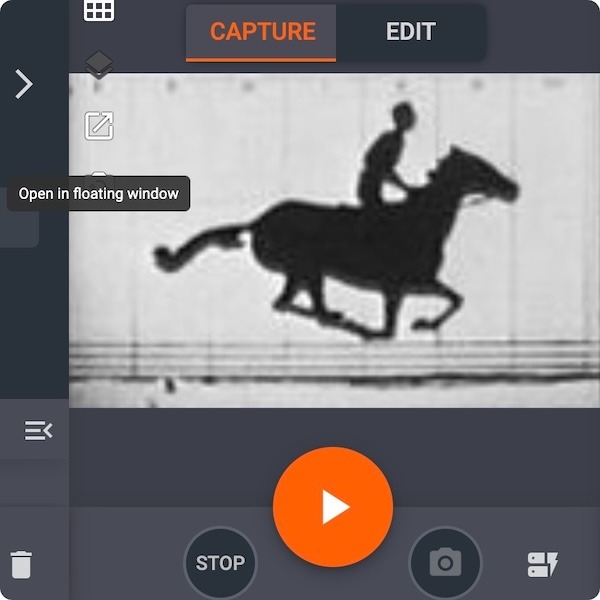
Detached Live View supports studios running dual monitors, capture stations beside packing tables, and teams that separate “look at the product” from “drive the software.”
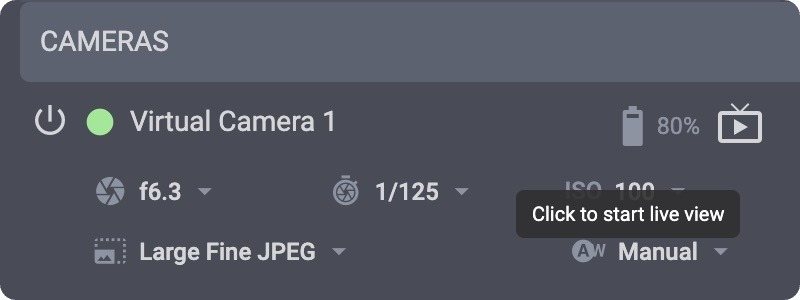
To access detached live view, open the Capture mode Live View in _Controls, and detach the window onto your second monitor. You can then continue capturing without shrinking your workflow UI.
Quick-Angle Presets for Turn & Swing Robots
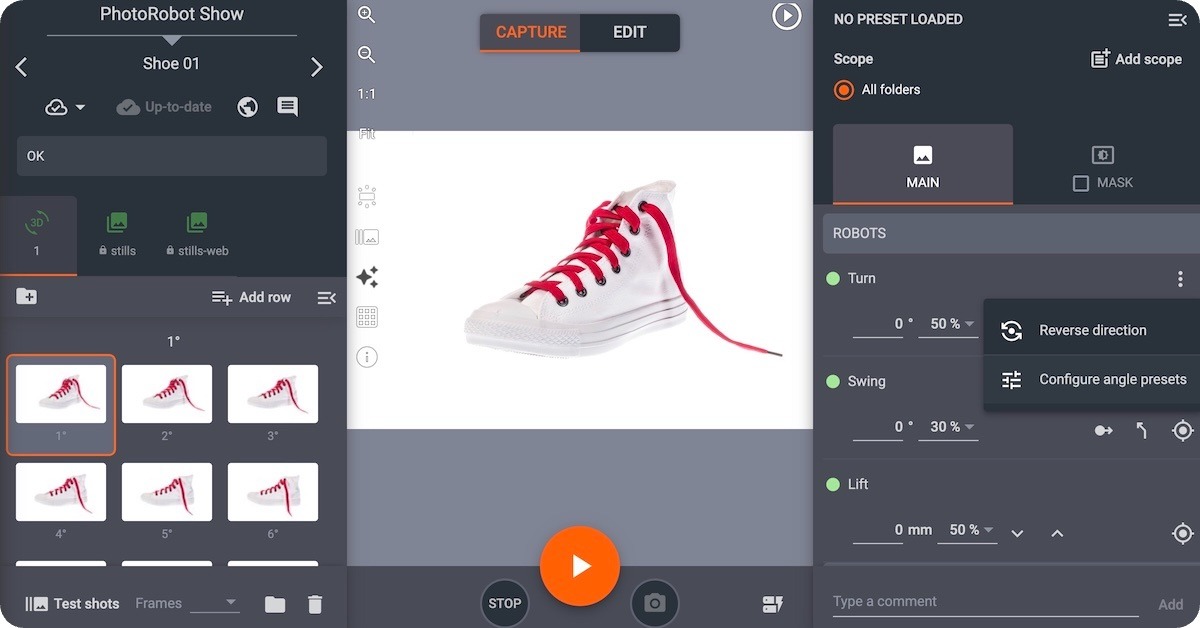
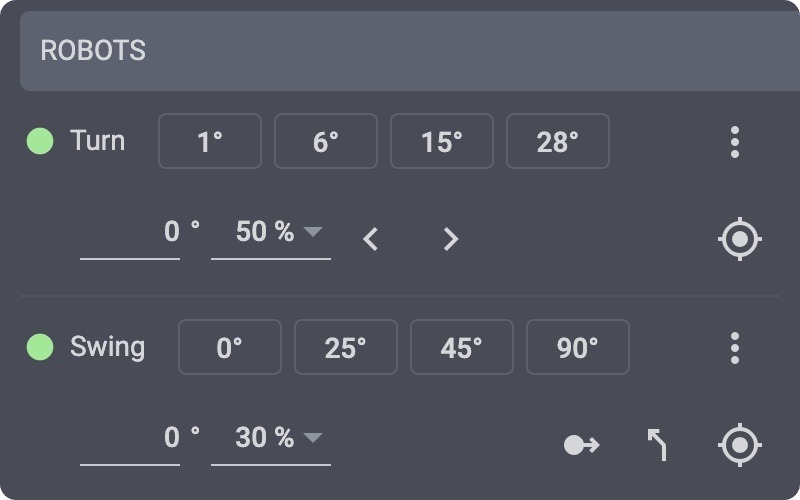
The angles your team uses every day are just one click away thanks to quick-angle presets for Turn & Swing robots. Jump PhotoRobot Turn and Swing robots to your favorite angles with configurable quick-preset buttons – fewer dials, faster framing.
Angles You Use Every Day, Just One Click Away
Configurable quick-angle presets allow your photographers to quickly return to the angles they use every day with just one click. For example, product photographers return to the same hero angles constantly: front, three-quarter, profile, detail. Quick-angle presets save your repeated positions on Turn and Swing robots and keep them live in the header – not buried in menus.
Features for Smoother Capture Configuration
Configurable quick-angle presets ensure smoother capture sequences for your operators, providing:
- Quick-angle buttons in the robot header for instant go-to-position moves.
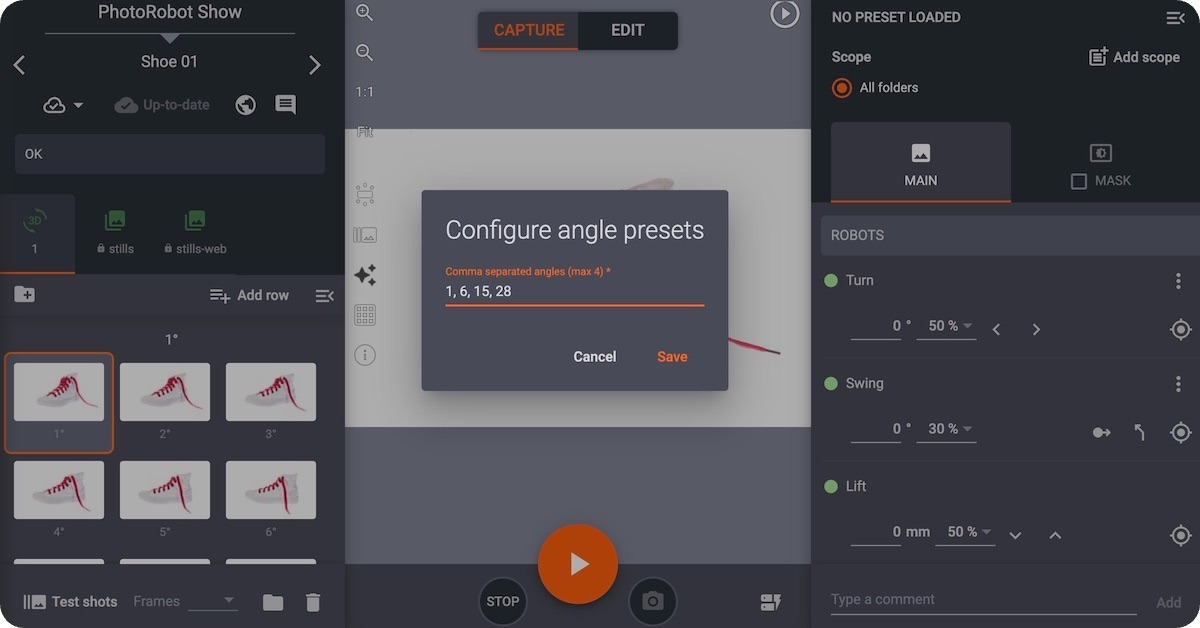
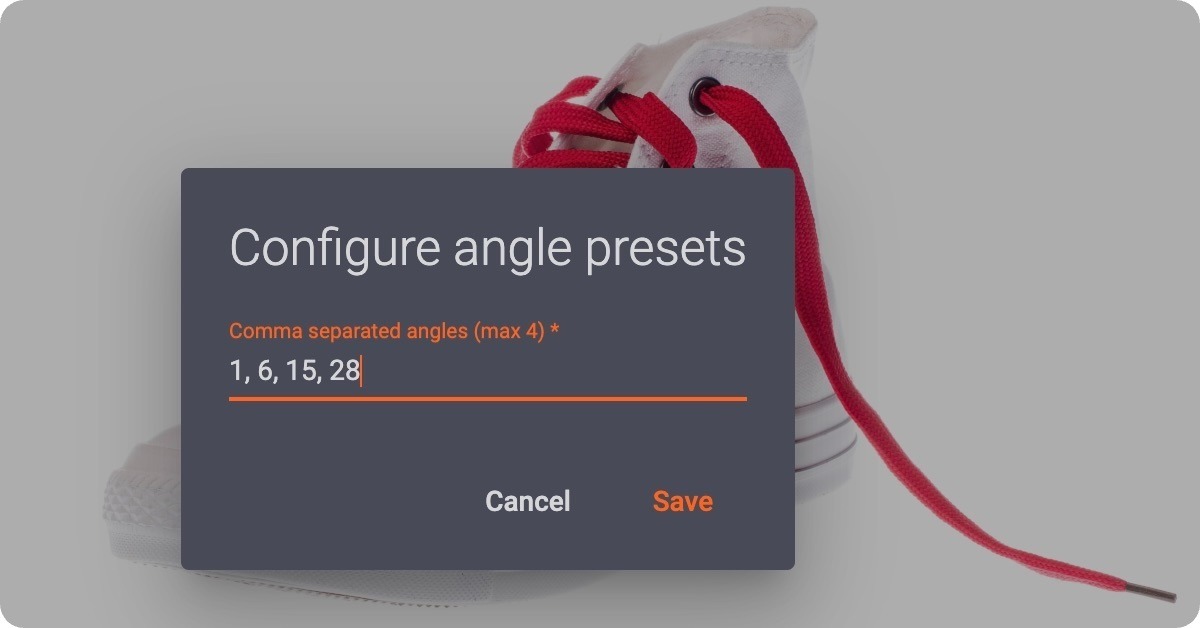
- Configurable presets (up to four) persisted per robot.
- Configuration from the robot menu when a campaign needs a different set of angles.
Support for High-Volume Throughput on the Floor
In high-volume sessions, every second hunting for an angle is a second not styling or capturing. Quick-angle presets turn framing into a muscle-memory click to speed up any production line operator.
To begin using quick-angle presets in your workflows, ensure you are running the latest version of PhotoRobot Controls. Then, open Turn or Swing controls, configure your four most-used angles, and run the next sequence directly from the header presets.
Technology to Fully Support Your Studio Teams
With every update, PhotoRobot _Controls evolves to better support studio teams and their production of rich visuals. Ensure you are running the most up-to-date version of _Controls to access the latest features like detached Live View and quick-angle presets. PhotoRobot Controls delivers continuous innovation in automated photography directly to your production line.


